Introduction
In today’s digital landscape, social media has evolved into a fast-paced, visually-driven environment where content competes for attention every second. With users scrolling through countless posts, grabbing and retaining attention has become increasingly challenging. Text alone is no longer sufficient; the quality and originality of visuals now play a decisive role in driving engagement.
Custom graphics provide a powerful solution by combining brand-specific design elements with clear, eye-catching visuals. They help businesses, creators, and marketers communicate messages quickly, stand out from the competition, and build a consistent brand identity. From improving likes and shares to enhancing overall audience interaction, custom-designed visuals have become an essential component of any effective social media strategy. This blog explores the impact of custom graphics, how they enhance engagement, and practical strategies for incorporating them into your social media content.
What Are Custom Graphics?
Custom graphics are original visual elements created specifically for a brand, campaign, or message. Unlike generic stock images, they are purposefully designed to reflect a brand’s identity, values, and tone, ensuring consistency across all marketing channels. These graphics can include branded templates, illustrations, icons, stickers, infographics, promotional banners, and video thumbnails.
By using custom graphics, businesses and creators can deliver visually cohesive content that stands out, communicates messages effectively, and strengthens brand recognition over time.
Why Custom Graphics Increase Engagement
Custom graphics are more than just visually appealing elements—they play a strategic role in improving audience interaction and boosting social media performance. Here’s how they enhance engagement:
1. Strong Visual Recognition
Consistency in colors, fonts, and overall design helps audiences instantly recognize a brand. Repeated exposure to these unique visual elements builds familiarity, which in turn fosters trust. When users trust a brand, they are more likely to like, comment, and share content, creating stronger engagement over time.
2. Better Visibility in Crowded Feeds
Social media feeds are saturated with posts that often look similar. Custom graphics help your content stand out by reflecting a unique visual style tailored to your brand. Eye-catching graphics can stop users mid-scroll, drawing attention to your post even in a highly competitive environment.
3. Faster Message Delivery
People process visual information far more quickly than text. Custom graphics allow brands to communicate key messages at a glance, making them ideal for promotions, announcements, educational content, tips, and quotes. This efficiency ensures that even users who scroll quickly understand your message instantly.
4. Higher Interaction Rates
Graphics that are professionally designed convey credibility and value. When content looks polished and thoughtfully created, users are naturally more inclined to interact with it. This includes liking, sharing, saving, or commenting on posts, all of which contribute to greater visibility and reach.
5. Improved Storytelling
Custom graphics provide structure to information by using icons, highlights, arrows, and carefully planned layouts. This visual storytelling makes complex ideas easier to understand and more engaging, keeping your audience invested in your content for longer periods.
How to Use Custom Graphics on Social Media
Using custom graphics effectively can significantly improve engagement and strengthen your brand’s presence on social media. Here are key strategies for incorporating custom visuals into your content:
1. Create Branded Templates
Branded templates help maintain visual consistency across all posts while saving time in the content creation process. These templates are particularly useful for recurring content such as quotes, tips, announcements, or promotional campaigns. By standardizing the look and feel of your graphics, you create a recognizable brand identity that audiences can instantly identify.
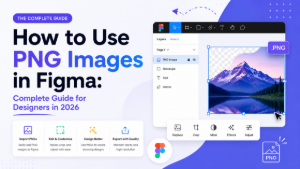
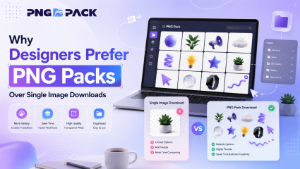
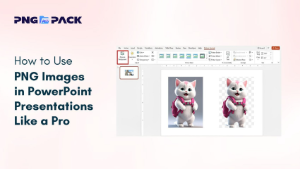
2. Use Transparent PNG Elements
PNG graphics are versatile design tools that allow for flexible layering of text, shapes, and other visual elements. They help create clean, professional layouts without compromising quality, regardless of the background used. This flexibility is especially useful for creating modern, visually appealing social media posts that capture attention quickly.
3. Add Icons and Stickers
Small visual elements like arrows, icons, badges, or stickers guide viewers’ attention to important information and key messages. These elements can highlight promotions, emphasize calls-to-action, or simply make your content more interactive and engaging. Strategically placed icons increase the likelihood that users will interact with your posts.
4. Choose Illustrations Over Stock Photos
Illustrations bring originality and personality to your content. Unlike generic stock images, they allow brands to visually explain concepts in a creative and memorable way. Using custom illustrations makes your social media content stand out while reinforcing your unique brand voice.
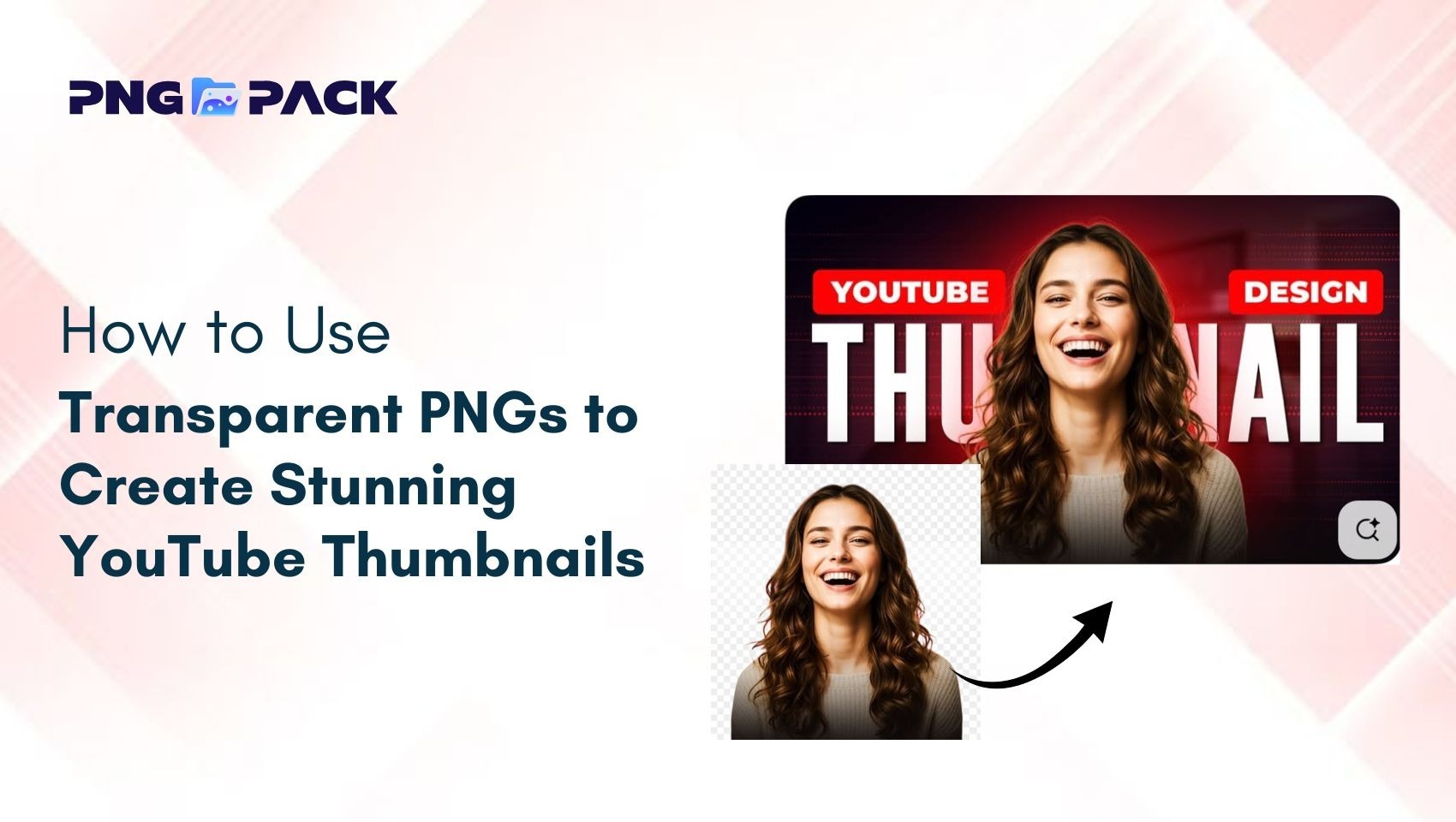
5. Design Custom Thumbnails
Custom thumbnails for videos, reels, and other short-form content can dramatically improve click-through rates. A well-designed thumbnail creates curiosity, signals professionalism, and encourages users to engage before even viewing the content. Thumbnails are often the first impression of your content, so investing in quality visuals pays off.
6. Maintain Brand Consistency
Consistency is key for building a strong, recognizable brand. Ensure that all graphics use the same colors, fonts, logos, and patterns across posts and platforms. This cohesive visual identity reinforces brand recognition, builds trust with your audience, and increases the likelihood of engagement over time.
Tools to Create Custom Graphics
Creating custom graphics no longer requires advanced design skills or expensive software. Today, there are numerous user-friendly tools that allow creators, marketers, and businesses to produce professional-quality visuals quickly and efficiently.
Some of the most popular tools include:
- Canva – A beginner-friendly platform with pre-made templates, drag-and-drop functionality, and a vast library of design elements.
- Adobe Express – Offers creative flexibility with templates, effects, and branding tools for fast and polished visuals.
- Figma – Ideal for collaborative design, vector graphics, and creating UI elements.
- PicsArt – A versatile tool for editing images, adding overlays, and creating unique social media content.
- CapCut – Popular for video content, it allows integration of graphics, text overlays, and animated elements.
- Photoshop – Advanced design software for creating highly detailed, custom visuals.
- Illustrator – Excellent for vector graphics, icons, and scalable designs.
These platforms enable users to combine templates, PNG assets, illustrations, and other design elements to create eye-catching graphics that elevate social media content and reinforce brand identity.
Tips for Creating High-Engagement Graphics
1.Use Consistent Brand Colors and Fonts: Maintain a uniform visual identity so your content is instantly recognizable and builds trust with your audience.
2.Keep Designs Clean and Focused: Avoid clutter; a simple layout with one clear message ensures your visuals are easy to understand and appealing.
3.Use High-Quality Images and PNGs: Crisp, professional visuals increase credibility and encourage users to interact with your content.
4.Design for Mobile Viewing: Optimize text size and layout for small screens, since most users browse social media on mobile devices.
5.Highlight Key Elements with Icons or Shapes: Use visual cues to emphasize important information and guide viewers’ attention effectively.
Conclusion
Custom graphics are a powerful way to make social media content stand out, convey messages quickly, and build a consistent brand identity. Using branded templates, illustrations, icons, and high-quality PNGs helps posts attract attention and drive higher engagement.
By combining the right tools with strategic design choices - like mobile-friendly layouts and clear messaging - brands and creators can create visually compelling content that resonates with their audience and strengthens their presence on social media.