Introduction
In the fast-growing world of YouTube, your thumbnail is often the deciding factor between getting a click or being ignored. No matter how good your content is, if your thumbnail doesn’t grab attention instantly, your video may struggle to perform.
This is where transparent PNG images become a powerful design asset. They allow creators to build clean, professional, and engaging thumbnails without complex editing. Instead of spending hours removing backgrounds or designing from scratch, many creators now rely on PNG Pack to speed up their workflow and maintain visual consistency across their channel.
Why Thumbnails Matter More Than Ever
With millions of videos competing for attention on YouTube, thumbnails have become a key factor in content discovery. They act as a visual hook that communicates the value and emotion of your video in just a fraction of a second. When users browse through search results or suggested videos, they make quick decisions based largely on how compelling the thumbnail looks.
A well-designed thumbnail can significantly increase your click-through rate (CTR), which is one of the signals YouTube uses to determine how often your video should be recommended. Higher CTR often leads to better reach, more views, and ultimately more channel growth.
On the other hand, poorly designed thumbnails can limit your video’s performance, even if the content itself is high-quality. This is why investing time and effort into thumbnail design is no longer optional - it’s essential for success on the platform.
What Are Transparent PNGs?
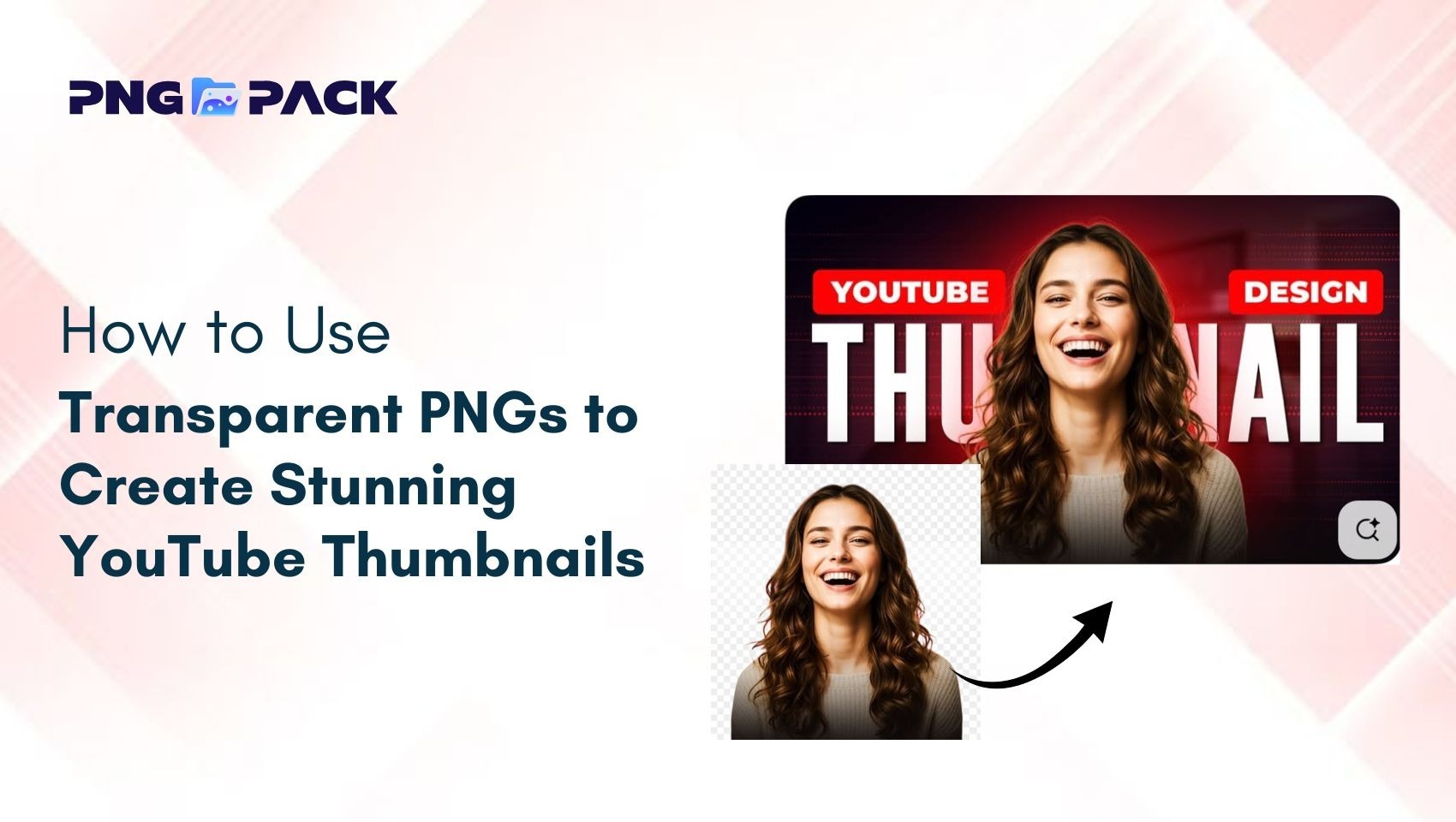
Transparent PNGs are images that come without a background, allowing them to blend seamlessly into any design. Unlike JPG images, which always include a background, PNG files support transparency.
This makes them ideal for layering elements in thumbnails without awkward edges or unwanted backgrounds. Because of this flexibility, PNGs are widely used by designers and YouTubers to create professional visuals quickly and efficiently.
Why Creators Prefer PNG Packs Over Single Images
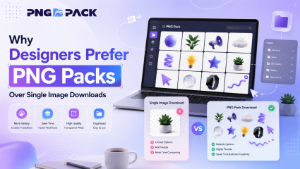
While individual PNG images can be useful, they often require significant time and effort to source, download, and organize. This is why many creators now prefer using PNG Pack - collections of high-quality transparent images bundled together for convenience. PNG packs provide a wide variety of elements in one place, making it easier to maintain consistency and speed up the design process.
By using PNG packs, creators can avoid repetitive searching and instead focus on designing thumbnails that align with their content strategy. These packs typically include a mix of facial expressions, icons, shapes, and visual effects, allowing for greater creativity and flexibility. For YouTubers who upload content regularly, PNG packs are not just a convenience - they are a productivity tool that helps maintain a consistent visual identity across videos while reducing design time.
Types of PNG Elements for YouTube Thumbnails
To create engaging thumbnails, using the right types of PNG elements is essential. Different elements serve different purposes in guiding viewer attention and enhancing visual storytelling.
Common PNG elements include:
- Facial expressions: Help create emotional connection and curiosity
- Arrows and pointers: Direct focus to key parts of the thumbnail
- Icons and objects: Add context and meaning to the content
- Shapes and highlights: Circles, lines, and glow effects for emphasis
- Text overlays: Improve clarity and reinforce the message
Using a balanced combination of these elements can make your thumbnail visually compelling without overwhelming the viewer.
How to Design a Thumbnail Using PNG Pack
Creating a stunning thumbnail becomes much easier when you follow a simple structure:
Start with a strong background that contrasts well with your main subject. Then, place your primary PNG element (like a person or object) in a prominent position to grab attention.
Next, add supporting PNG elements such as arrows, icons, or highlights to guide the viewer’s eye. After that, include bold and readable text that complements the visuals. Finally, adjust colors, brightness, and contrast to ensure everything looks sharp and eye-catching - even on mobile screens.
Pro Design Tips to Make Thumbnails Stand Out
To create thumbnails that truly capture attention, it’s important to focus on simplicity and visual impact. Using bold colors and strong contrast helps elements stand out, while keeping the design clean ensures the message is clear.
Adding shadows or outlines can improve separation between elements, and expressive faces can create an emotional connection with viewers. Maintaining a consistent design style across thumbnails also strengthens your brand identity. Applying these techniques can significantly improve click-through rates and overall engagement.
Common Mistakes to Avoid
Even with high-quality PNG elements, certain mistakes can reduce the impact of your thumbnails:
- Overloading the design with too many elements
- Using low-resolution or blurry images
- Poor alignment and spacing
- Weak color combinations that lack contrast
- Ignoring mobile optimization
Avoiding these issues will help you create cleaner, more effective thumbnails that perform better across all devices.
Conclusion
Creating stunning YouTube thumbnails doesn’t require advanced design skills - it simply requires the right approach and the right resources. Transparent PNGs make the design process easier by allowing you to create clean, professional, and high-impact visuals that instantly grab attention.
By incorporating a well-organized PNG Pack into your workflow, you can save time, maintain consistency, and focus more on creativity instead of repetitive design tasks. As competition on YouTube continues to grow, using high-quality PNG assets gives you a clear advantage. With the right techniques, tools, and a reliable PNG Pack, you can create thumbnails that not only look visually appealing but also drive more clicks, engagement, and long-term channel growth.