Introduction
Images are a key part of digital communication, helping websites, social media posts, logos, and online product listings stand out and convey messages quickly. A well-chosen image can improve user experience, strengthen branding, and make content more visually appealing. Among the many image formats available today, transparent PNG images are especially popular for digital design - but they are often misunderstood by beginners.
Many people recognize PNG images but are unsure what makes them different from other formats like JPG, or what the term “transparent” really means. Transparency allows parts of an image to have no background, making it easier to place visuals seamlessly over different colors, patterns, or layouts. This feature is particularly important for logos, icons, and website elements where a clean and professional look matters.
In this blog, we’ll explain what a transparent PNG image is, how it works, and how it compares to other image formats. You’ll also learn when transparent PNG images are the best choice and how to use them effectively in your digital projects.
What Is a PNG Image?
PNG stands for Portable Network Graphics. It is a popular image format widely used on websites and digital platforms because it maintains high image quality. PNG images use lossless compression, which means the image does not lose clarity or detail when saved or edited multiple times.
Unlike some other formats, PNG files preserve sharp edges, clear text, and accurate colors. This makes them ideal for graphics such as logos, icons, banners, and illustrations. PNG images are also supported by almost all browsers, devices, and design tools, making them a reliable choice for digital use.
What Is a Transparent PNG Image?
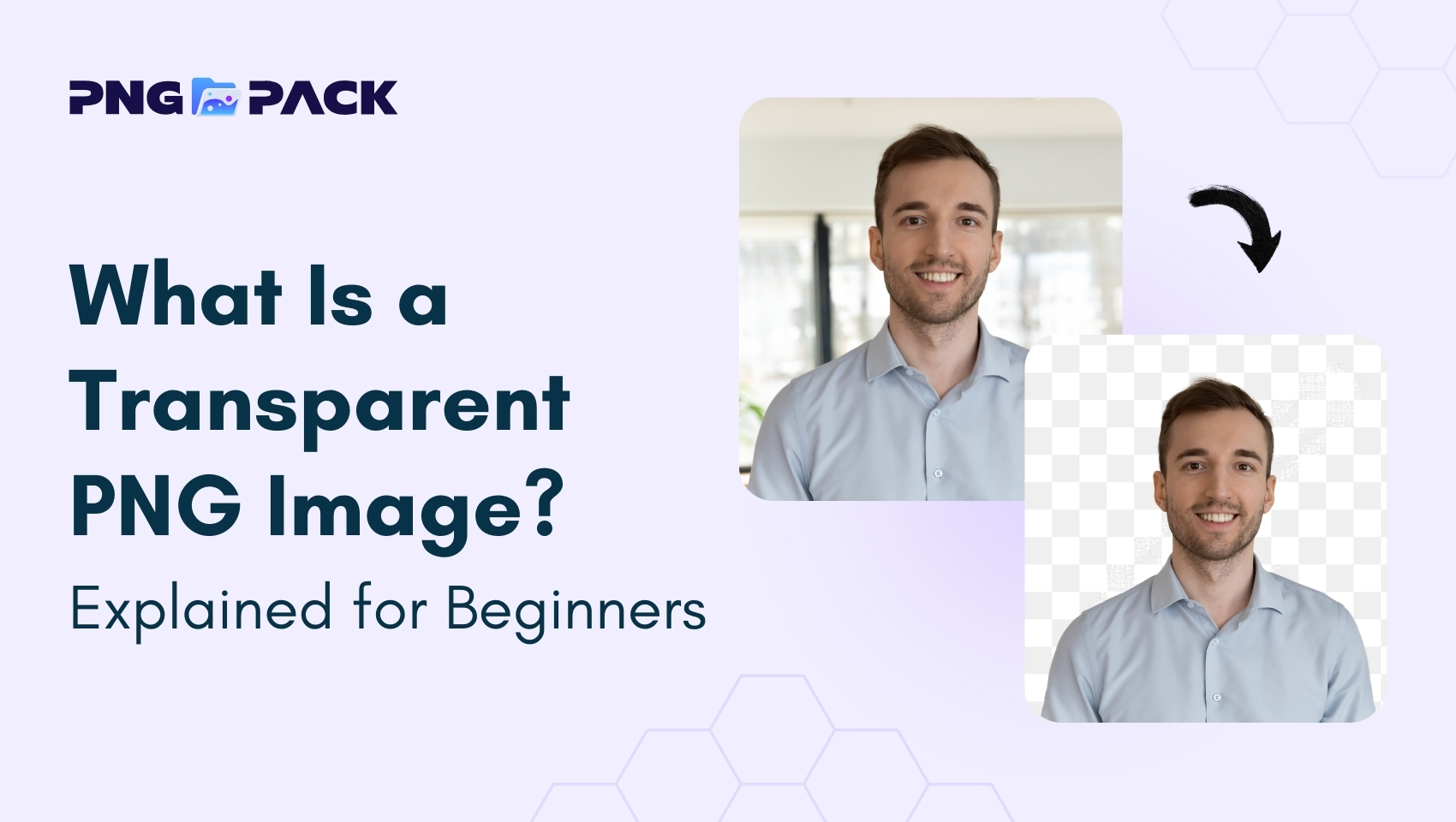
A transparent PNG image is a type of PNG file that has no visible background, allowing the main subject of the image to appear cleanly on any background color or design. Unlike JPG or other image formats, which always have a solid background, transparent PNGs use an alpha channel to store transparency information for each pixel. This feature ensures that parts of the image can remain fully or partially invisible, making it extremely versatile for digital designs.
Transparent PNG images are commonly used for logos, icons, graphics, website elements, and social media visuals, where a clean, professional appearance is required. They allow designers to place the same image over different backgrounds without any awkward borders or boxes. The ability to maintain transparency while preserving image quality makes PNG the preferred choice for professional digital content, marketing materials, and web design projects.
How Transparent PNG Images Work
Transparent PNG images work through a feature called the alpha channel, which controls the transparency of each pixel in the image. Unlike standard image formats like JPG, where every pixel is fully visible and the background is fixed, PNG allows certain areas to be partially or fully invisible. This enables designers to create images that can seamlessly blend into any background, whether it’s a website, presentation, or marketing material.
The alpha channel essentially acts as a mask, determining which parts of the image are opaque, semi-transparent, or completely transparent. For example, a company logo saved as a transparent PNG can appear over a colored banner, a patterned background, or even another image without any unsightly borders or boxes.
Transparent PNG images maintain high-quality details, sharp edges, and accurate colors even when transparency is applied. This combination of quality and flexibility makes them the preferred choice for digital graphics, UI elements, icons, and web design, ensuring professional and polished visuals across platforms.
Transparent PNG vs JPG
Transparent PNG and JPG are two of the most commonly used image formats, but they serve very different purposes. The main difference lies in background and quality support. PNG supports transparency, meaning parts of the image can be fully or partially invisible, while JPG does not - every pixel in a JPG is fully visible, and the background is always solid.
Another key difference is image quality. PNG uses lossless compression, so it preserves sharp edges, text, and details even after multiple edits. JPG uses lossy compression, which reduces file size but can slightly degrade quality, especially around text or graphics.
Because of these differences, transparent PNG images are ideal for logos, icons, graphics, and any visuals where a clean, flexible background is needed. On the other hand, JPG images are better for photographs or images where transparency is not necessary and smaller file size is important. Choosing the right format depends on the type of image and its intended use, ensuring both quality and functionality in digital projects.
Advantages of Using Transparent PNG Images
- Supports Transparency – Allows images to blend seamlessly into any background without visible edges or borders.
- High-Quality and Sharp – Maintains details, sharp edges, and colors through lossless compression, even after multiple edits.
- Professional and Versatile – Ideal for logos, icons, UI elements, and marketing graphics across websites, apps, and social media.
- Flexible for Design – Can be reused on different backgrounds or combined with other visuals without additional editing.
Disadvantages of Using Transparent PNG Images
- Larger File Size – PNG files are heavier than JPG, which can slow down website or app performance if overused.
- Not Ideal for Photos – Photographs rarely need transparency, and using PNG can unnecessarily increase file size.
- Overuse Can Affect Speed – Multiple large PNGs on a webpage can impact loading time and performance.
- Requires Editing Tools – Creating transparent PNGs often needs graphic software or online tools, which may be challenging for beginners.
Conclusion
Transparent PNG images are essential for creating clean, high-quality, and professional visuals. They are ideal for icons, graphics, and web elements, allowing images to blend seamlessly with any background while maintaining sharp details and accurate colors. Although PNG files can be larger, their flexibility and visual quality make them perfect for digital projects. For beginners or designers seeking ready-to-use transparent images PNGPack offers a wide collection of free PNGs that can be easily downloaded and used in your designs. Using transparent PNGs effectively ensures polished, professional, and visually appealing content across websites, apps and social media.