Introduction
In modern digital design, visuals play a crucial role in brand identity and user experience. Icons and logos are often used across websites, mobile apps, presentations, and marketing materials, making image quality and flexibility extremely important. One of the key factors designers consider when choosing an image format is transparency. Among various image formats, PNG has become a preferred choice for transparent icons and logos due to its ability to maintain clarity, consistency, and professional appearance across different backgrounds.
What Is the PNG Image?
PNG (Portable Network Graphics) is a widely used image format designed to deliver high-quality visuals with lossless compression. Unlike formats that reduce image quality to decrease file size, PNG preserves detail and sharpness. One of its most important features is support for transparent backgrounds, allowing images to blend seamlessly into different designs. This makes PNG especially suitable for graphics that need to be reused across multiple platforms and layouts.
Understanding Transparency in Design
Transparency in design allows an image to blend naturally with any background by making parts of it fully or partially see-through. Instead of appearing on a solid-colored background, transparent images adapt easily to different layouts, colors, and platforms, which is essential in modern digital design.
For designers, transparency helps create clean, flexible, and professional visuals. Icons, logos, and overlays are often used across websites, apps, presentations, and marketing materials. Transparent images eliminate the need to create multiple versions for different backgrounds, saving time and maintaining consistency.
Without transparency, images may clash with design layouts and require manual background removal, which can reduce quality and increase production time. By enabling seamless integration and reuse, transparency remains a foundational element of efficient and professional graphic design.
Why Designers Prefer PNG for Transparent Icons and Logos
1) True Transparency Support
PNG uses an alpha channel to handle transparency, which allows images to display smooth and precise edges. This is especially important for icons and logos that include curves, shadows, or fine details. With proper transparency, these visuals blend naturally into any background - whether light, dark, or textured - without showing unwanted outlines or rough edges.
2) High Image Quality
One of the main reasons designers rely on PNG is its use of lossless compression. This means the image retains its original quality without becoming blurry or pixelated. For logos and icons, where sharp edges and clear details are essential for brand recognition, PNG ensures a clean and professional appearance across all uses.
3) Consistent Appearance Across Backgrounds
Designers often need to place the same logo or icon on different backgrounds, such as websites, presentations, or promotional materials. PNG maintains visual consistency in every scenario, allowing the graphic to remain clear and readable without creating separate versions for each background. This saves time and ensures brand consistency.
4) Wide Compatibility
PNG files are supported by all major browsers, operating systems, and design software. This wide compatibility ensures that icons and logos display correctly across websites, mobile applications, and marketing materials without technical issues. Designers can confidently use PNG files knowing they will work reliably across different platforms.
Common Use Cases
PNG images are widely used in digital design due to their high quality and transparent backgrounds. Below are the most common professional use cases:
- Website Navigation Icons: PNG icons are ideal for website menus and navigation elements. Their transparency allows them to blend seamlessly with different layouts, colors, and themes while maintaining clarity and visual consistency.
- Mobile and Web Application UI Elements: In app and UI design, PNGs are commonly used for buttons, icons, and interface components. Clean edges and reliable transparency ensure a polished appearance across various screen sizes and devices.
- Brand Logos and Watermarks: PNG is a preferred format for logos and watermarks because it preserves sharp details and supports transparency. This allows brands to maintain a consistent visual identity across websites, documents, and digital assets.
- Marketing Banners and Promotional Overlays: Designers use PNG images for banners and overlays where visuals need to sit cleanly on top of backgrounds. Transparency ensures there are no visible borders or background clashes.
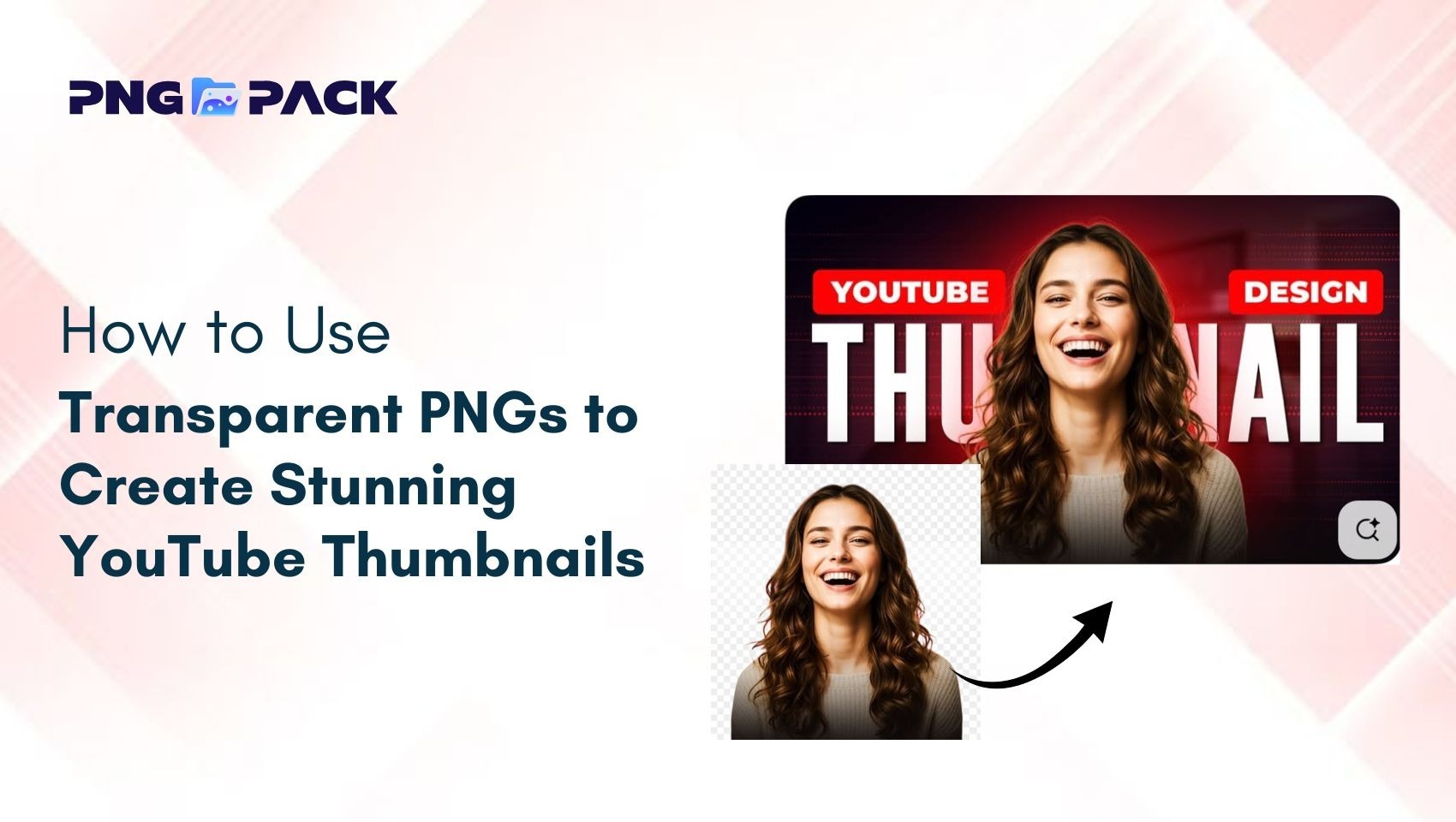
- Social Media Graphics and Thumbnails: PNG images help create eye-catching social media posts and thumbnails while maintaining quality. Transparent elements allow designs to adapt easily to different platforms and layouts.
Best Practices When Using PNG for Design
- Choose the Correct Resolution: Always use a resolution that matches the purpose of the design. Oversized images increase file size without improving quality, while low-resolution images can appear blurry or unprofessional.
- Optimize PNG Files for Performance: Compress PNG images to reduce file size while maintaining visual clarity. Proper optimization helps improve website loading speed and provides a better user experience.
- Avoid Using PNG for Large Backgrounds: PNG works best for icons, logos, and overlays. Using PNG for large background images can negatively impact performance, so other formats may be more efficient in those cases.
- Maintain Consistent Dimensions: Keep icons and logos consistent in size and spacing across all projects. This improves visual balance and ensures a polished, professional appearance.
- Test Images Across Devices: Check PNG images on different screen sizes and devices to ensure they remain sharp and display correctly in real-world use.
When PNG Might Not Be the Best Option
Although PNG is a powerful and reliable image format, it is not always the most efficient choice for every design scenario. For example, SVG is often a better option for icons and logos that need to scale infinitely without losing quality. Since SVG files are vector-based, they are ideal for responsive designs and interfaces that require flexibility across different screen sizes.
Similarly, WebP can be a more performance-friendly alternative for websites where loading speed is a priority. WebP offers smaller file sizes while maintaining good visual quality, making it suitable for image-heavy pages and modern web applications.
Understanding the specific requirements of a project - such as scalability, performance, and compatibility - helps designers select the most appropriate image format. While PNG excels in transparency and quality, combining it with other formats when needed leads to better overall design efficiency.
Conclusion
PNG remains a reliable and widely preferred image format for transparent png images and logos due to its true transparency, lossless quality, and consistent performance across platforms. When used correctly, PNG helps designers create clean, professional visuals that enhance brand identity and user experience. Platforms like PNGPack simplify this process by providing easy access to high-quality transparent PNG images for both personal and commercial use.